Category: Internet
-

Finally, I Am Fiber-ed
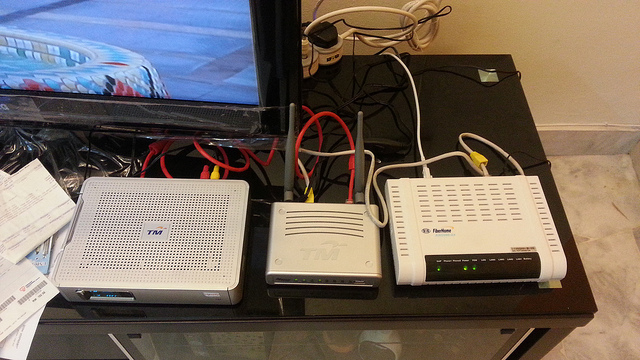
Finally, I Am Fiber-ed – Or should I say, I am Unifi-ed. Fiber-ed sounds funny, as if eating fibre for nutrition, ease constipation, smooth outcome. Few weeks back, I couldn’t stand the slow internet speed anymore of 1MBps sharing with one housemate and I took the step of asking an upgrade from my house owner. Well, he agreed for upgrade for a little increment in house rent, whatever, fast Internet is very important and now I am Fiber-ed with a fast connection from Unifi. I wanted Maxis Home Fiber, but the owner want to take advantage of the free call by Unifi, so that’s why. Anyway, it’s a good weekend with awesome Internet speed and time to blog more! Cheer.Yeah, people have been using it for 3 years back and I have just started, I don’t care what you say, I am happy. -

Remove Shoutbox, Drop Me Comment, I Will Reply
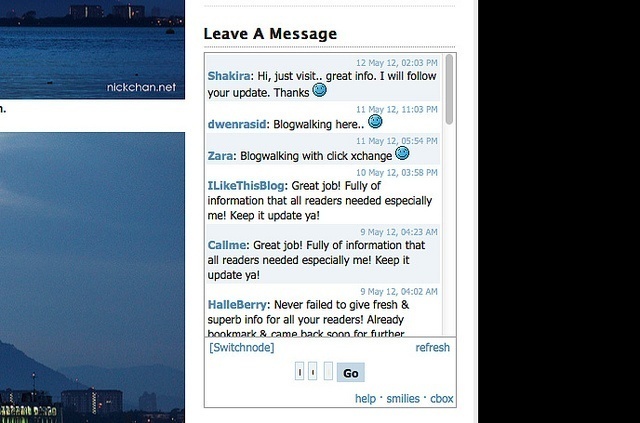
Remove Shoutbox, Drop Me Comment, I Will Reply – Notice the LEAVE A MESSEAGE section on my blog’s sidebar? It’s full of spam and unwanted message from I-don’t-know-who-they-are. It’s so annoying. It was meant to be a short shoutout to me, but they are all spam message, some even promote s3x and p0rn there. So stupid. It sucks.
I have decided to remove it. Find me, drop me a comment on my post, I will reply you. =D Have a nice days, friends.
-
PPS.tv Now Available On Mac
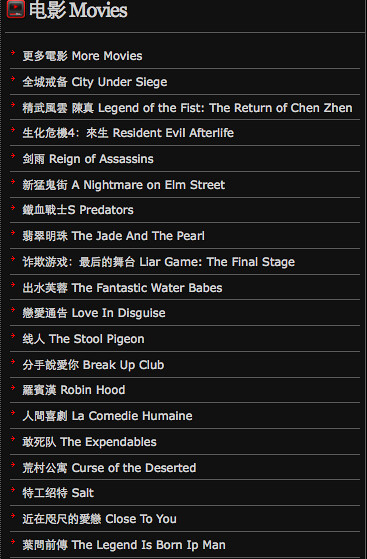
PPS.tv Now Available On Mac – After the long wait, PPS.tv, the famous Chinese movie streaming software is now available on the Apple’s Macintosh OS. The software is a P2P movie streaming software which features lots of Asian and International’s movies and drama which can be watched on-demand.

#2: Screenshot of the application.
It’d been a heat on the Windows. Previously, I watched PPS through Parallel Windows on my Mac but now I have no reason to boot Windows on my Mac to watch it. The whole experience is just the same as the one on Windows if you have used it before. If you haven’t, you should try it out if you can read Chinese.

#4: Installation is simple as ABC.
Setup is pretty easy, just drag and drop into the Application folder from the *.dmg package. You need not to set anything to display Chinese font and no add-on software, it’s so much easier than on the Windows.
Enjoy your PPS on Mac now, head over here to download now.
-
Happy 13th Birthday Google

Happy 13th Birthday Google – 27th September 2011 marks the day that Google thirteenth birthday. It marks Google’s 13th years of service to the netizen and the world. A very happy birthday to the company, the search engine and everything about Google. If you visit Google’s homepage, you will notice a cute Google Doodle appears on top of the search bar, which is actually means they are celebrating their 13th anniversary.
Google has put up different doodle each year since 2002 when the birthday comes at this time of the month. This year’s is a cute one. Happy birthday.
[SOURCE]
-
Sign Up For Yes Life For Android Beta Tester

Sign Up For Yes Life For Android Beta Tester – Yes, one of the 4G broadband provider in Malaysia has open a page for Android user to sign up as beta tester for the upcoming Yes Life for Android. Yes Life app has recently launched on the iOS is now coming to you on the Android smartphone OS.

Yes Life app is actually an app that is similar to Skype which allows you to make phone call, receive phone call, and SMS with a Yes ID, which is actually a 018-phone number. It’s useful if you have friends and family who lives oversea and you can call them through a Malaysian number. On the other hand, you can make phone calls on-the-go if you are a Yes broadband user.
Currently, it only runs on devices running Android 2.1 and above. Since it’s in Beta version, there might be bug and flaws. Do try it at your own risk and I believe the final version is coming very soon.
Sign up and get your beta version here.
-
Maxis Home Now Offers 30Mbps FTTH Plan At RM398/month

Maxis Home Now Offers 30Mbps FTTH Plan At RM398/month – Want a faster internet connection speed for your home? Maxis’ fiber to the home Internet now gives you blazing fast 30Mbps plan at RM398/month which is 10Mbps faster than Unifi’s fastest plan 20Mbps.
The plan has a quota of 300GB and it’s a good for download freak. I find the plan quite reasonable when divided into $/GB, it comes out to RM1.33 per GB.
Unfortunately, it’s available at selected area in Klang Valley only.
Head to Maxis Home website to know more.
-
How To Get Facebook Timeline Now

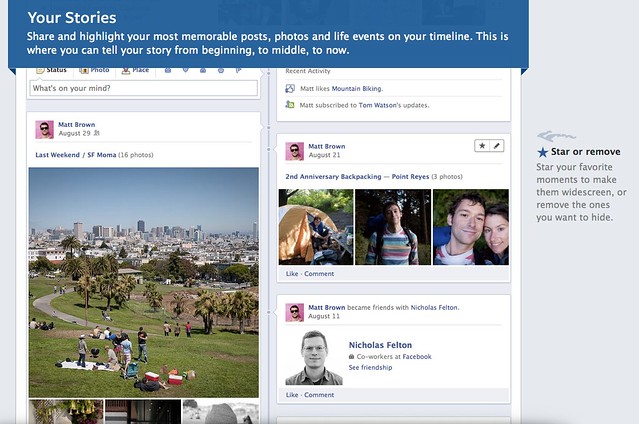
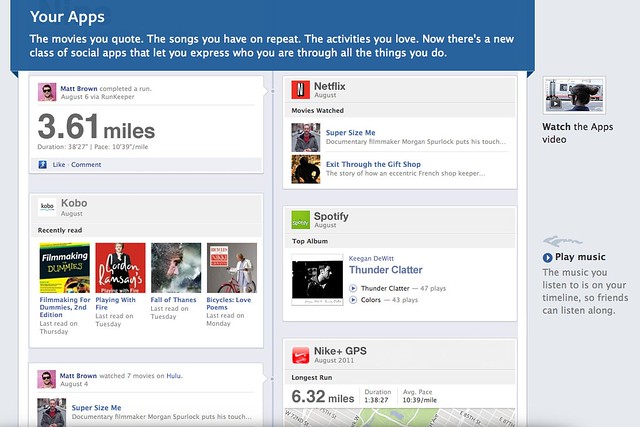
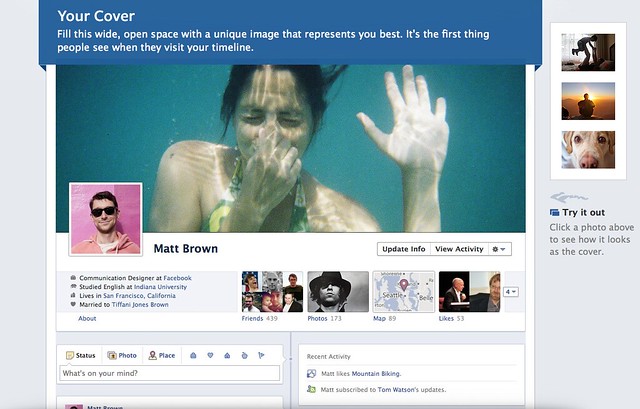
How To Get Facebook Timeline Now – Facebook just announced a new profile page that is coming soon at the recent Facebook F8 Developer Conference and Mark Zukerberg called it the Facebook Timeline. It has not release yet and no open beta for normal user to try out, however if you have a developer account using Open Graph API, you will be able to try it out first.
It will be available soon for normal user but if you really want to try out, you can join the developer program too and get your hands on the new Facebook Timeline profile.
Follow the steps below and you will be in the new Facebook in no time.
1. Go to Facebook Developer page, you can click here or type “developer” in your Facebook search bar then enable it for your account.

2. At the Apps page, click on Create New App that we are going to make an app but with no functionality just for trying the new Facebook Timeline.

3. Type your name or whatever name you want to name for your app at both blank. Please type normal case for App Display Name and small case for App Namespace.

5. After creating your app, you will be taken to the Open Graph page (if not, you can click Edit App then navigate to Open Graph). Then, define an action for your app, just simply type a verb and noun, just like mine “find (a) job”. Follow the on screen instruction, click Continue and Continue until you are done.
6. Finally when you are done, go back to your Facebook main page, and you will get an invitation for you to try out the new Facebook Timeline.
Enjoy. Only people with Facebook Timeline activated can be view your Timeline profile. Pretty right?
-
How To Show American TV Series Playlist On PPS / 如何看PPS欧美剧场
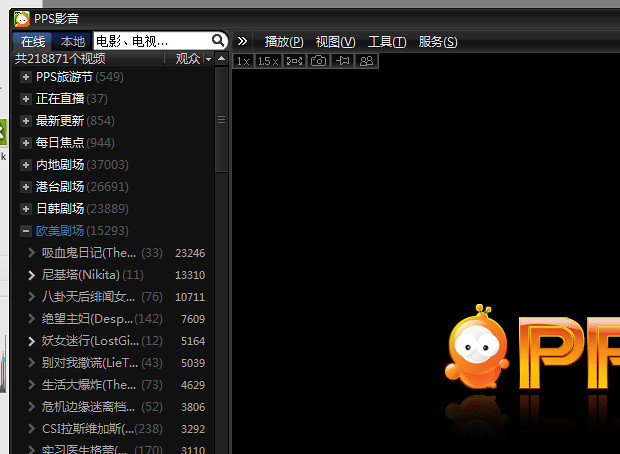
How To Show American TV Series Playlist On PPS / 如何看PPS欧美剧场 – Due to some copyright infringement, the Chinese top video-on-demand streaming software, PPS.tv removed the playlist of American TV Series (欧美剧场). After some workaround and searching on the Internet, there’s actually a way to go around it and re-show the playlist.
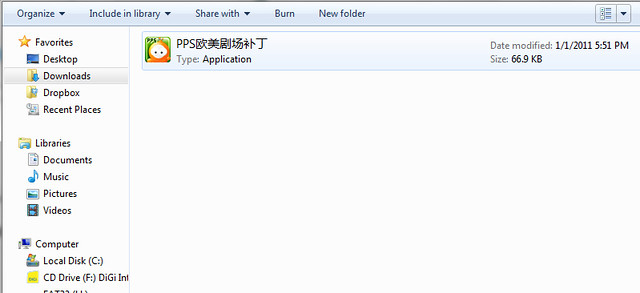
Just download the patch here. Extract or unzip it, then just run the patch.
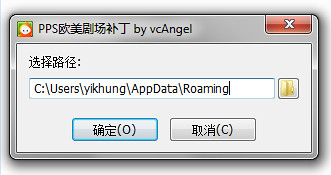
Press on the first option which means confirm, then the playlist will be back into your PPS.tv again.
Simple as that and they are back. =) Good luck, I don’t know whether PPS.tv will fully removed that or not, so for the mean time, let’s use the patch first.
-
Natnatvip.org, Watch Free Taiwanese, US, Japan Drama and More TV Show
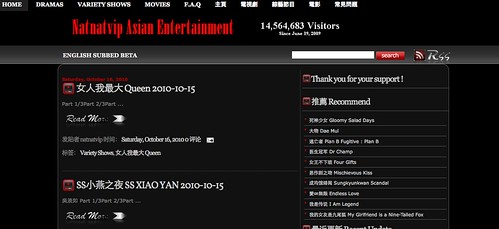
If you lives in the western country when Chinese television show is limited to your or you are behind a private network which Chinese P2P TV streaming is not available to you, you can check out Natnatvip.org which is a site where they compile all the Taiwanese drama and show for your watching. They uses Youtube as the player and some other Internet flash player and is played part by part. Of course the quality is not as good as on the TV but still is a good place for you to check out Chinese show.
Besides Taiwanese drama and show, there’s also movies, Japan and Korea drama and also US TV series. If you have a fast connection, this site is wonderful for you.