Tag: tech-apple

  • Larger Screen And Thinner iPhone 5 On 4th October?

    Larger Screen And Thinner iPhone 5 On 4th October?

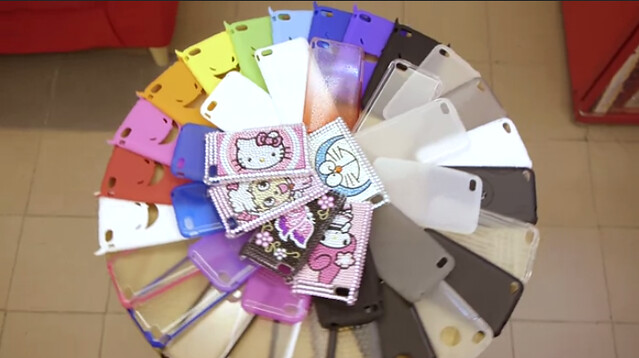
    Larger Screen And Thinner iPhone 5 On 4th October? – In less then a week time and Apple’s new CEO – Tim Cook will take on the stage to announce the next generation of iPhone (as expected). Even though, there’s still no official photo or ideas on what’s the next iPhone is going to be like, factories in China has already making the case for iPhone 5 (iPhone 4S) like nobody’s business.
    Screen Shot 2011-09-30 at 1.12.36 AM

    According to sources, the case is actually made according to a iPhone prototype that was stolen from Foxconn factory in Shenzhen.

    [youtube http://www.youtube.com/watch?v=TU7iCNIumpc&w=640&h=360]

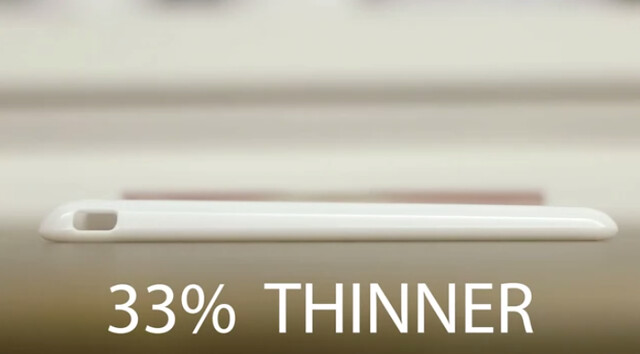
    Looking at the video, it shows that the new iPhone 5 will be 33% smaller and is a complete redesign of the current iPhone 4. It also features a larger screen and the design of the phone is lookalike with the current Apple iPad.

    It’s pretty hard from me the judge from the video, but I would definitely like to see an iPhone with a bigger screen. I find the current design is cool and sleek too. At the moment, let’s wait till next Tuesday for the “boom, one more thing”.

    What do you think?

    [via]

  • How To: Install Facebook For iPad App

     How To: Install Facebook For iPad App

    How To: Install Facebook For iPad App – Facebook has released a leaked version of Facebook for iPad app in July. It was blocked by Facebook in less then a day and I couldn’t login to the Facebook for iPad app anymore. However, I have found a solution on how to access it and have been using it for a few days already.

    Some have ask me where to download the Facebook For iPad app but then you don’t really need to download it as you already have it if you have the latest version of Facebook for iPhone on your iPad. You just need to do some tweak to change your Facebook to the iPad version.

    One thing you must have is a JAILBROKEN iPad. Follow the instruction below to get your Facebook for iPad app. (Thanks to TNW).

    1. Check for updates to make sure you have the latest version of Facebook from the App Store. Also, backup your iPad in iTunes.
    2. Visit jailbreakme.com from your iPad. Jailbreaking your iPad is legal, but voids your warranty if you bring your iPad into an Apple Store. It’s easy to undo if need be. Just pug your iPad into your computer and restore it from your previous backup. (If you are running iOS 4.3.3, this will NOT work.)
    3. Once the jailbreak process is complete, tap on Cydia, that was just installed on your iPad.
    4. Tap the Search tab in Cydia and search for iFile. Download it using the button in the upper right hand corner.
    5. Once iFile installs, open it up, and navigate to the “var” folder of your iPad. Then go to “mobile,” then “applications,” then “directory.”
    6. Click the settings gear icon in the bottom navigation bar and turn “Application Names” to “On.”
    7. Open the Facebook folder within the “directory” folder you’re inside of. Once you’re inside the Facebook folder, open Facebook.app.
    8. Look for the info.plist file, then open it. Pick “Property List Viewver” to view the hexadecimal settings for the Facebook app.
    9. Look for the UIDeviceFamily field and select it.
    10. Delete the 1 you see, and put a 2 in instead. Tap “Done” to complete the process.
    11. Hold down your power button to reboot your iPad.
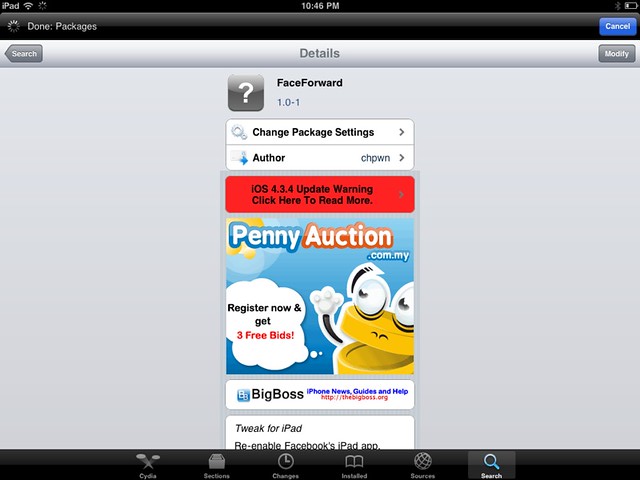
    12. Then go to Cydia again and seach for Faceforward.
    13. Download and install it.
    14. Launch your new Facebook app and you are now in.


    Cydia hack to allow you to login to Facebook.

    It’s a little bit buggy, Page is not working as it crashes but overall it looks good. But if were to compare to MyPad, MyPad seems better than this. Tell me what do you think after trying it.

WP2Social Auto Publish Powered By : XYZScripts.com